Why self-hosted gives you more room
Micro-apps and interactive tools are called hosted tools in Djangify. Each one is a single page that runs on your shop, and visitors can use it without leaving your site. How many you can add depends on how you host your shop.
Self-hosted
- No limit on free hosted tools
- Add as many micro-apps as you like
- Put several tools in one product
Managed hosting
- Up to 12 free hosted tools
- Each product unlocks one tool
- Add a thirteenth free tool by deleting one first
Bundle three or four tools into one product
With self-hosted you do not have to sell each micro-app on its own. You can group them into a toolkit and sell the whole package for one price. This example bundles two tools. Three or four work the same way, and so do more.
- Add each tool and set it to PaidUpload every tool under Hosted Tools and choose Paid as its access.
- Open the productGo to Shop, then Products, and open the product you want to sell as a bundle.
- Choose your toolsUnder Hosted Tool Access, pick the first tool in Hosted tool and add the rest in Hosted tools. Only paid tools are listed.
- Publish the productYou do not need to upload a file. Buying the product gives access to every tool you chose.
In the buyer's dashboard
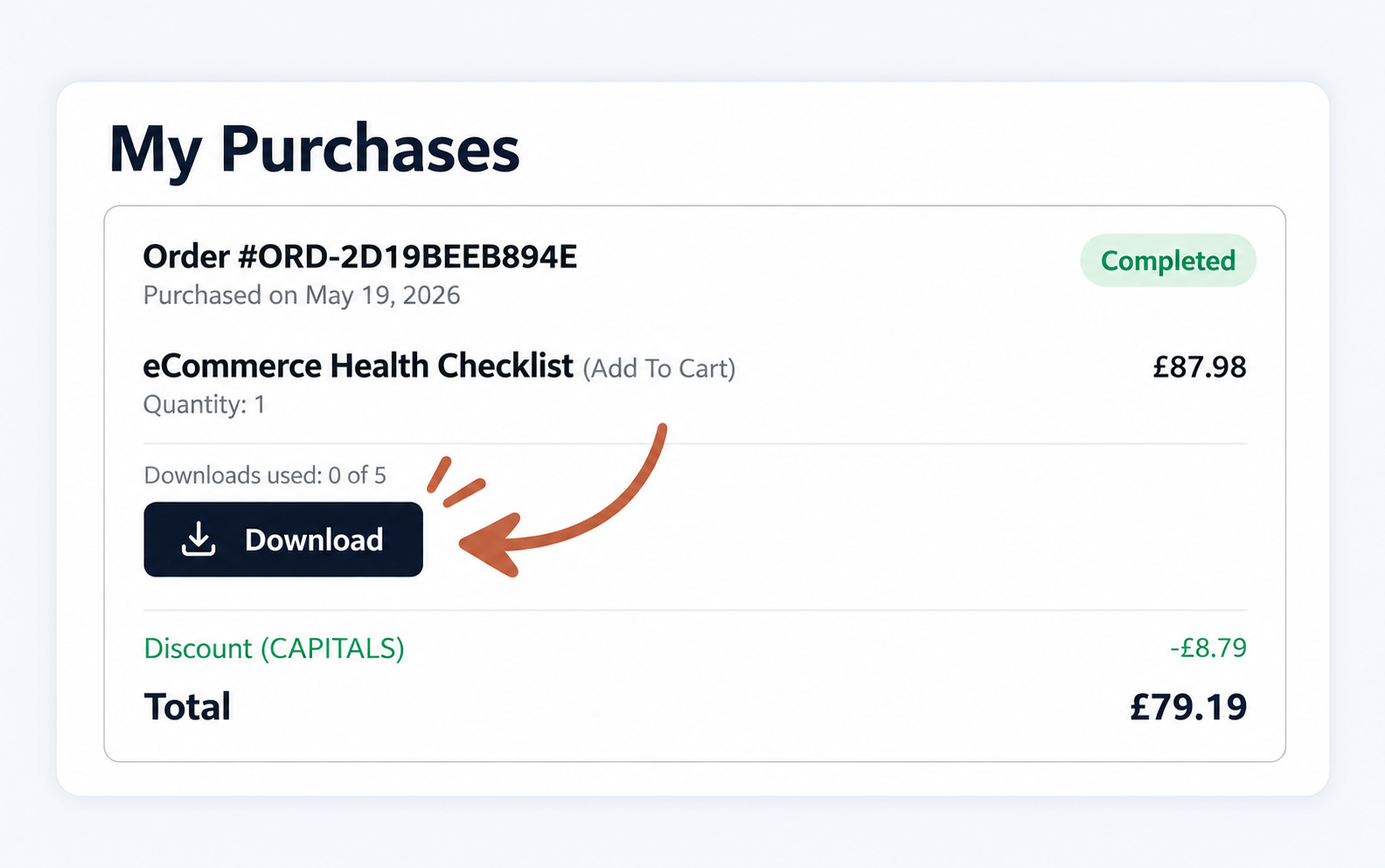
After the purchase, every tool in the bundle appears in the buyer's dashboard under My Purchases. Each tool has its own Open tool button, named after the tool, so your customer can go straight to the one they want.
Checklist
Before you publish a bundle
- Set every tool to PaidFree tools are open to everyone, so they are not offered in the list.
- Name what is insideSay in the title that it is a bundle of tools.
- Add pictures of what the buyer getsThey show on the left of the sales page.
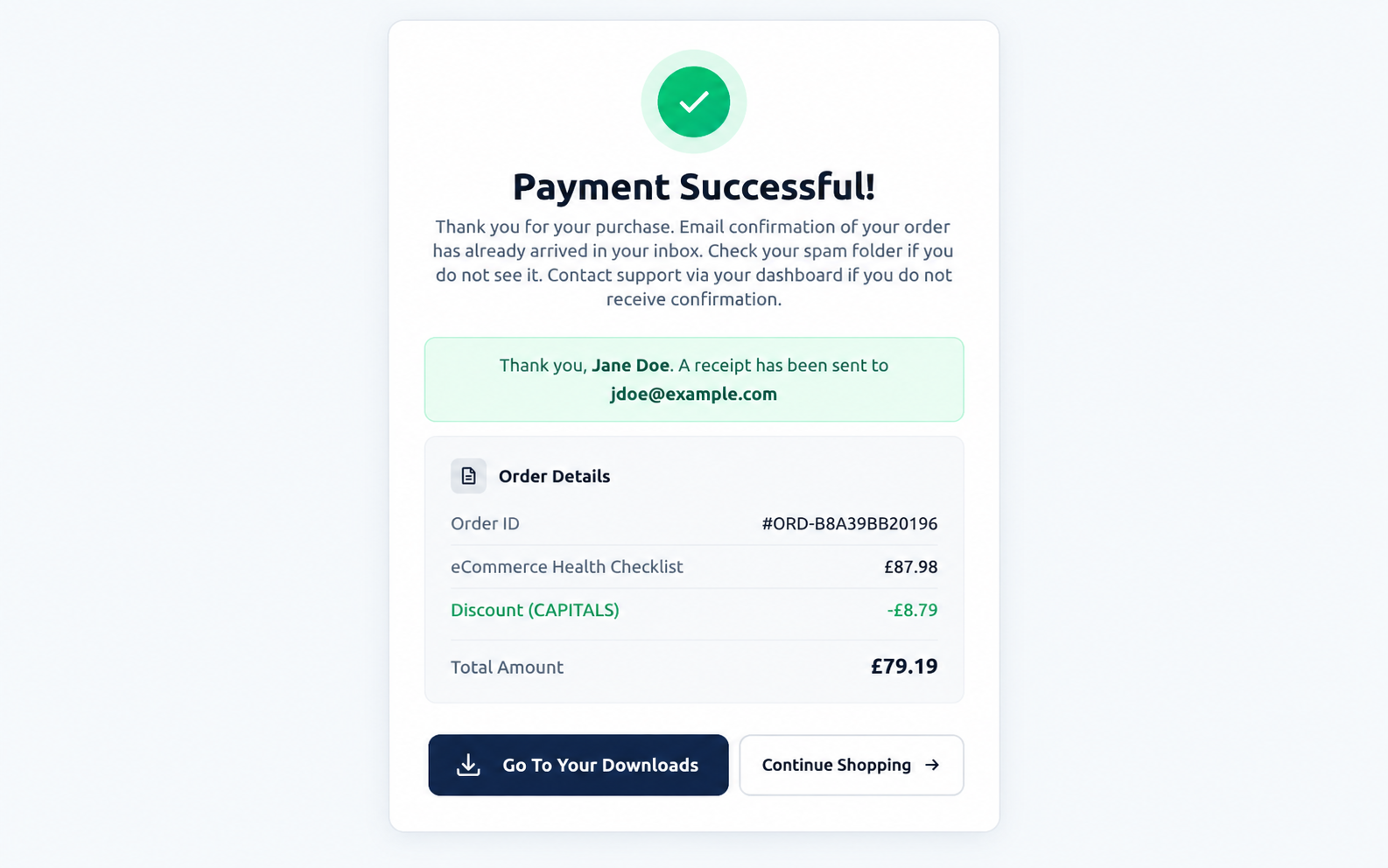
- Buy it yourself in test modeUse the test card number and check the result.
- Check each Open tool buttonOpen every tool from My Purchases and make sure it loads.
Questions people ask
Do I need to upload a file for a bundle?
No. A product that unlocks tools needs no download. The buyer's delivery is access to the tools, which they open from their dashboard.
Can the same tool be in more than one product?
Yes. Buying any product that includes a tool unlocks it. This demo does it: one of the tools in this bundle is also part of the eCommerce Health Checklist product.
Can I add a free tool to a bundle?
Only paid tools are offered in the list. A free tool is open to every visitor already, so there is nothing to unlock.
Does a buyer lose access later?
Access stays with their completed order. They can open the tools whenever they sign in, for as long as the tools are on your shop.
Sell your own bundle
Self-Hosted Djangify eCommerce Builder
One payment gives you the whole shop on your own server. Add as many hosted tools as you like and sell them one at a time or as a bundle, with every purchase showing in the buyer's dashboard.
See the Self-Hosted Builder →