You do not have to make every product you sell. If you recommend a course, template or tool that someone else sells, you can give it a page on your shop, the same as any other product, and send the visitor on to the seller to buy it. That is an affiliate product.
- An affiliate product is a normal product page whose buy button links to the seller's page instead of your checkout.
- You add a title, a description, a price and a link. You upload no file and set up no payment.
- The visitor buys from the seller. If the seller pays affiliates, the link they give you records your share.
- The button on this page goes to a real product, so you can see the result.
How an affiliate product works
An affiliate product is a product page with one difference. The buy button does not go to your checkout. It goes to a link you choose, usually the seller's own page. Your visitor reads your title, your description and your reasons for recommending it, then clicks through and pays the seller. If the seller pays affiliates, the link they give you is what records your share of the sale.
Setting one up takes four steps, and none of them involves uploading a product.
- Add a productOpen Products in the admin and fill in the title, description, price and picture, the same as for any product.
- Paste the seller's linkPut the link in the External URL box. Use your affiliate link if the seller gave you one.
- Name the buttonType your own wording in the External button text box, such as "Get it on Gumroad".
- PublishThe page looks like any other product page, and the button takes the visitor to the seller.
Your own product
- You upload the file
- The buyer pays through your checkout
- The download appears in their account
- You keep the sale
An affiliate product
- You upload nothing
- The button goes to the seller's page
- The seller takes payment and delivers
- You earn a share if the seller pays affiliates
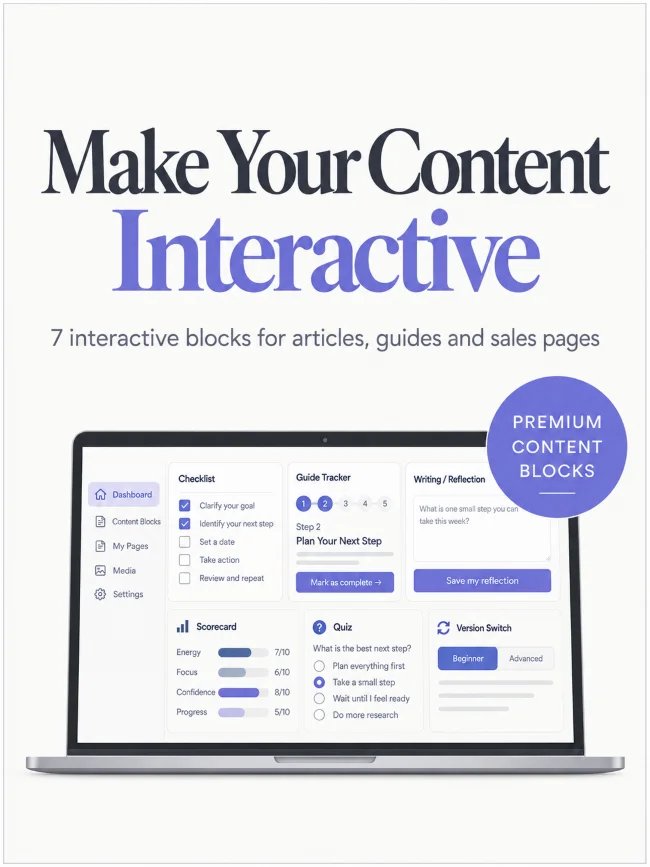
The button on this page goes to a real product, Djangify Content Blocks Premium. It is my own product, so no commission changes hands, but the setup is the same for any seller. Every box on this page is a Djangify content block. Open the More product info toggle below to see how they work.